
NOTE: These are instructions for how Scout Executives, Registrars, District Executives, and Senior District Executives to access Scoutbook Plus.
- Users that have access to read the information
- District Executive (Organization Security Manager Role)
- District Director (Organization Security Manager Role)
- Senior District Executive (Organization Security Manager Role)
- Users that have access to read and update the information:
- Registration Support (Functional role)
- Council Admin (Functional role)
- Scout Executive (Organization Security Manager Role)
Login with your my.Scouting username and password that is associated with your council position
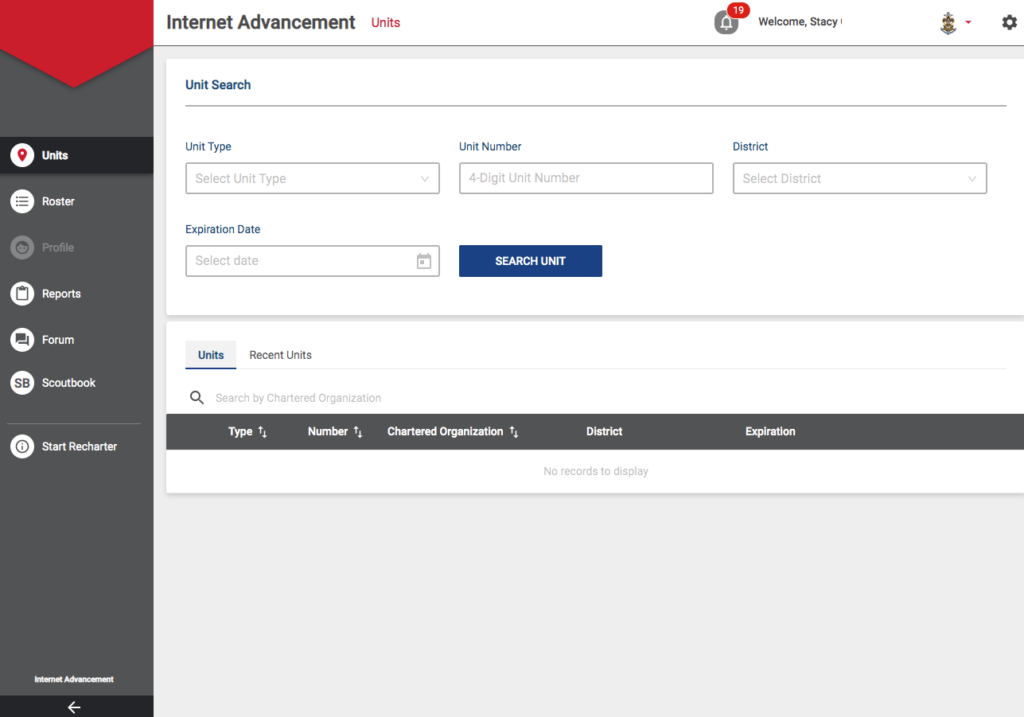
Search for the unit or units you wish to access. You can search by unit type, Unit Number, by District and by Expiration Date. Click Search Unit to execute the search.
Access Scoutbook Plus by going to http://advancements.scouting.org
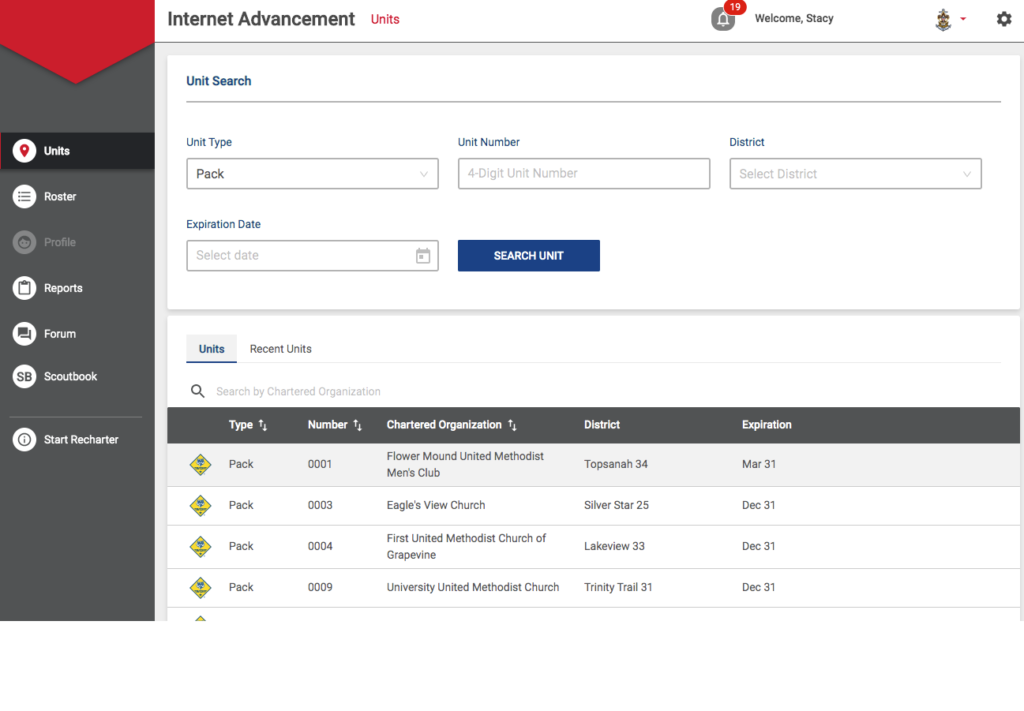
Click on the unit you wish to work on. Scoutbook Plus works the same for you as it would for a unit. You have access to the Scouts’ advancement information and the reports. (See above for who has read only access and who has read / write access.) For information on how Internet Advancement works, please go to this link.
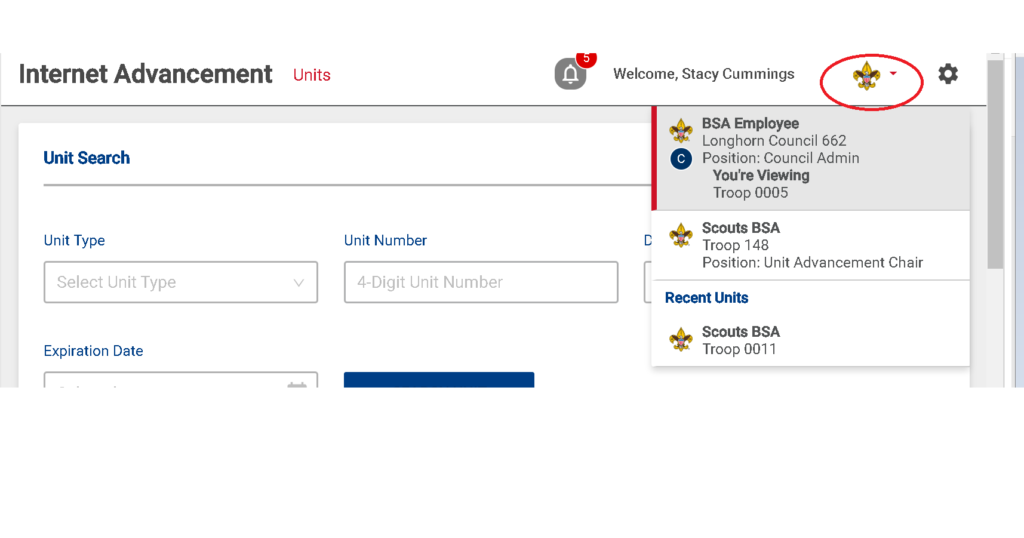
NOTE: Items changed in Scoutbook Plus will be reflected in Scoutbook immediately and in my.Scouting within 48 hours.