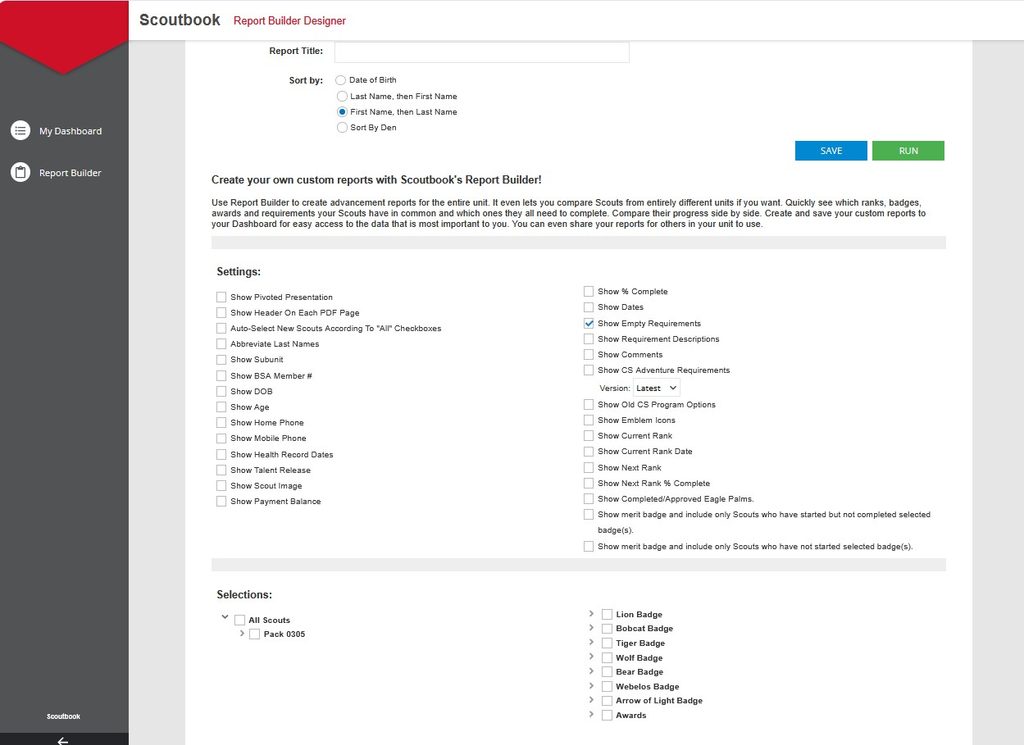
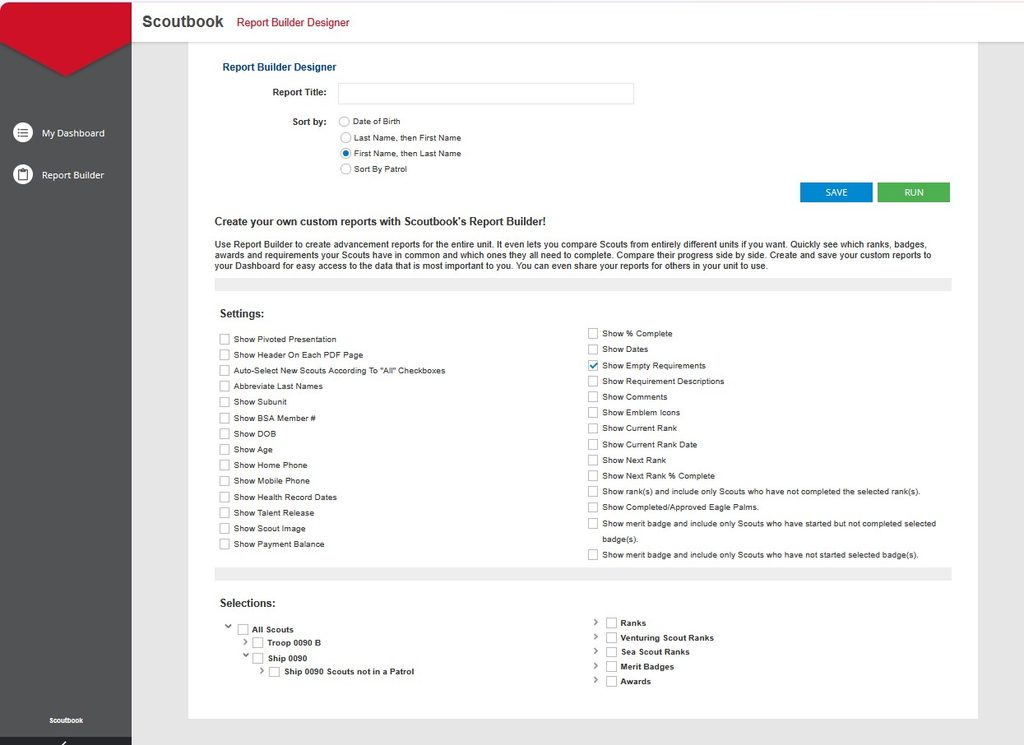
In Scoutbook Plus you can create custom roster and unit reports. Those reports can be saved and shared with other leaders with report access. To get started click on reports in the side bar then click on the + New Report button. There will be two choices New Custom Roster Report and New Custom Report (Report Builder)
Custom Roster Report
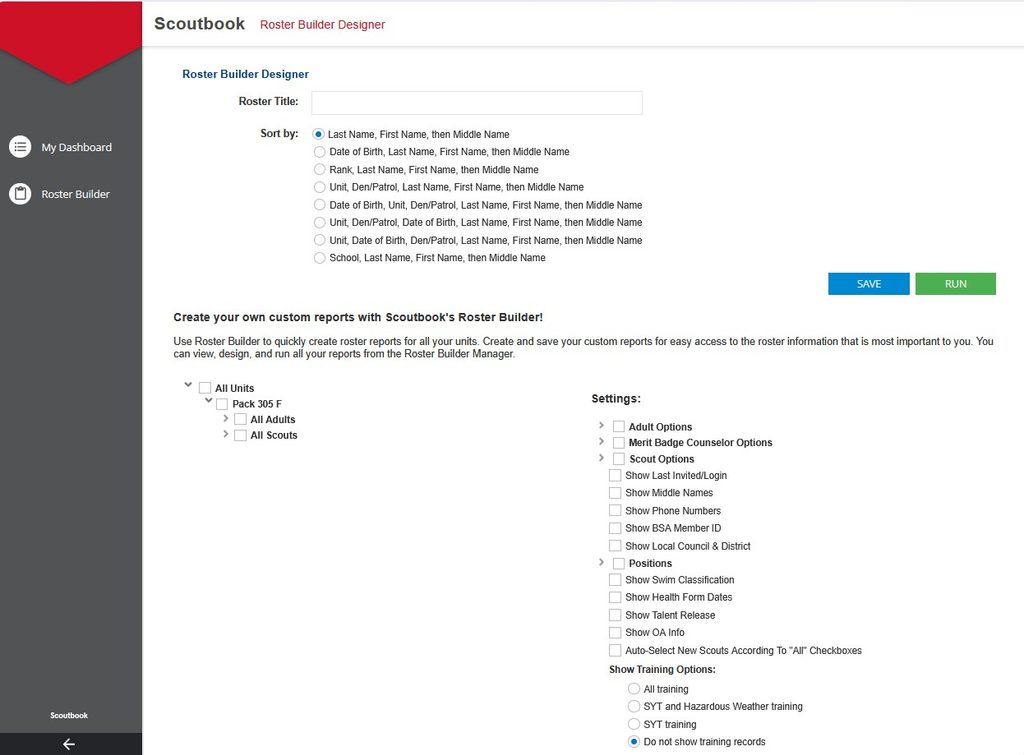
Check the boxes for the data you wish to report on. Click on the chevron (>) to the left of a choice will expand the section to present more options. PLEASE NOTE THAT SELECTING OPTIONS FOR ADULTS AND YOUTH WILL SHOW PERSONAL INFORMATION BE MINDFUL OF THAT BEFORE SHARING THE REPORT

Once you have the selections completed you can either save or run the report. If the report presents the data you wish to have you can navigate back to the tab with the builder options then name and save the report.

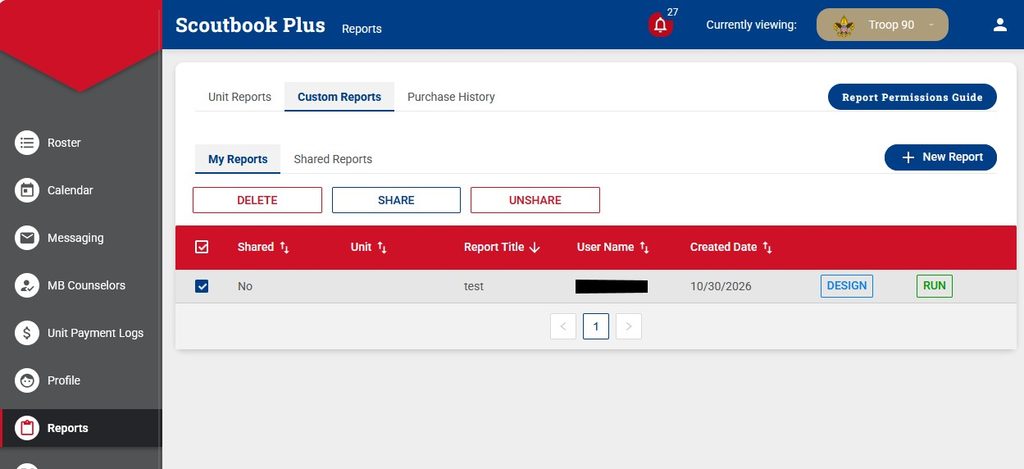
To share the report check the box on the report line then click on Share.
The Roster report will present the same or similar options for all unit types.
Custom Report (Report Builder)
The Custom Report Builder will allow a unit to create reports for rank and award progress for the unit. The options presented will differ based on the unit type.